Version Control
Document Version Control
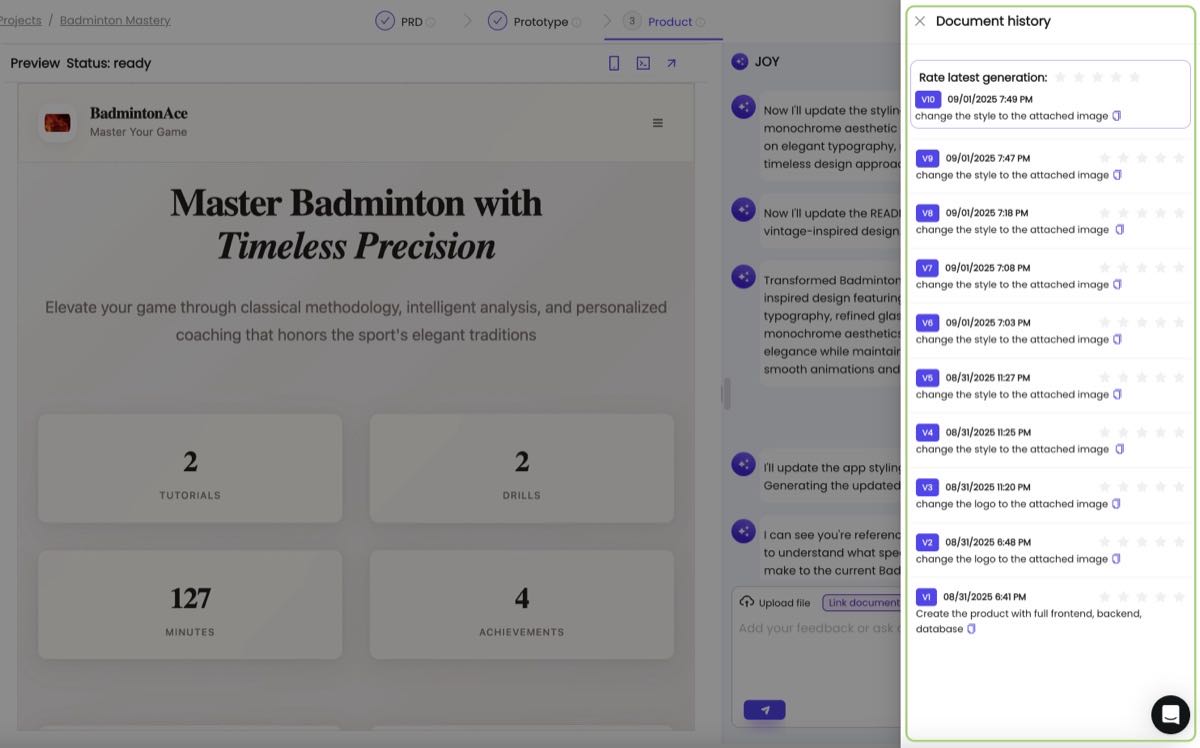
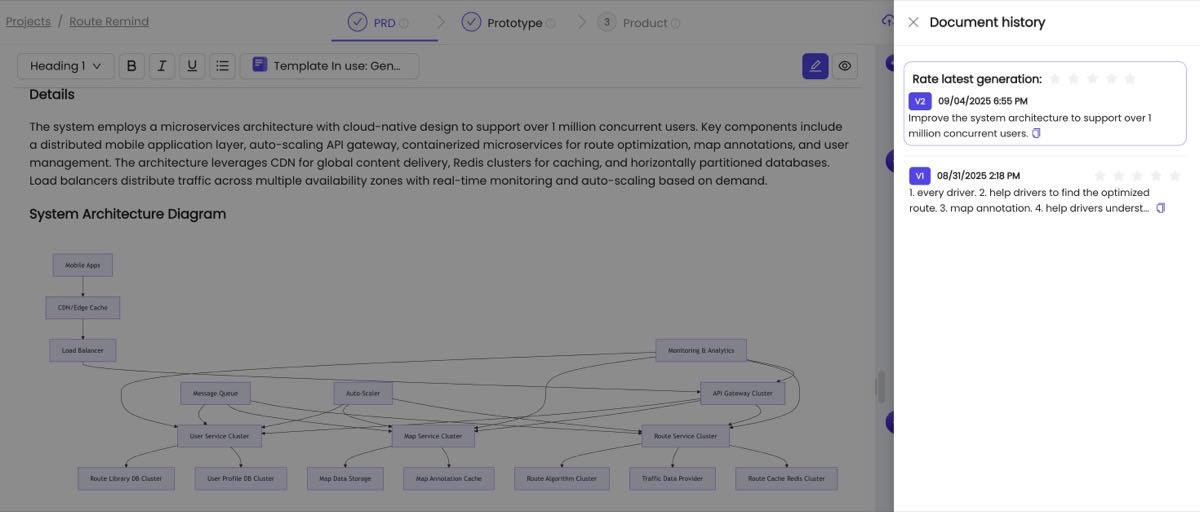
Omniflow provides built-in version control for your project documents (PRDs/Tech Design/QA/Release Plans etc), allowing you to track changes and revert to previous versions when needed.
Version History
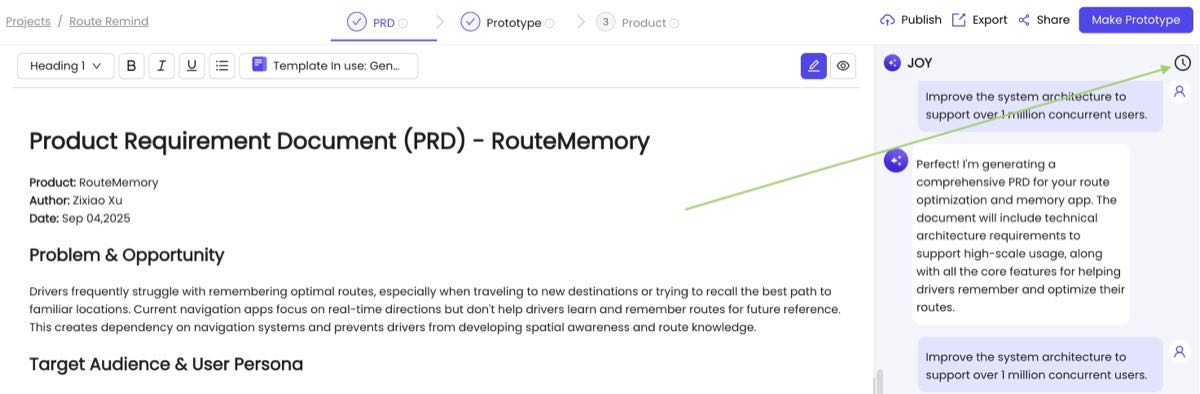
Click the version history icon to view and manage your document versions:
Codebase Version Control
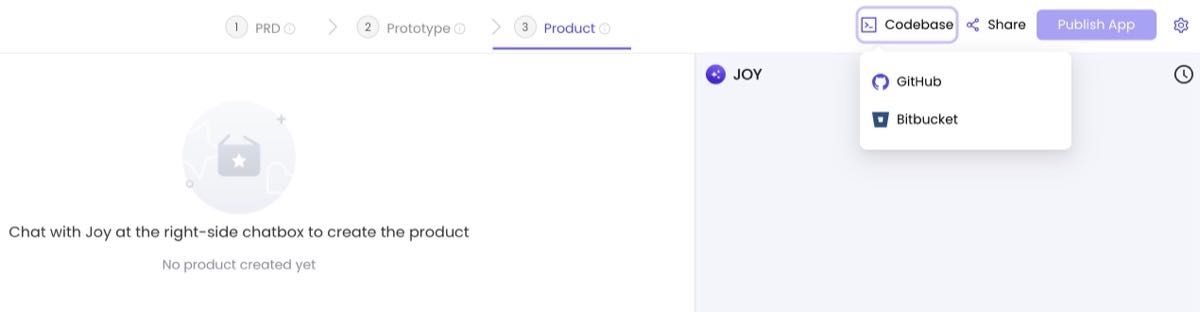
Connect your GitHub/Bitbucket repositories with Omniflow to enable seamless version control and collaboration:
Configuration Setup
Configure your repository connection to start working with your existing codebase:
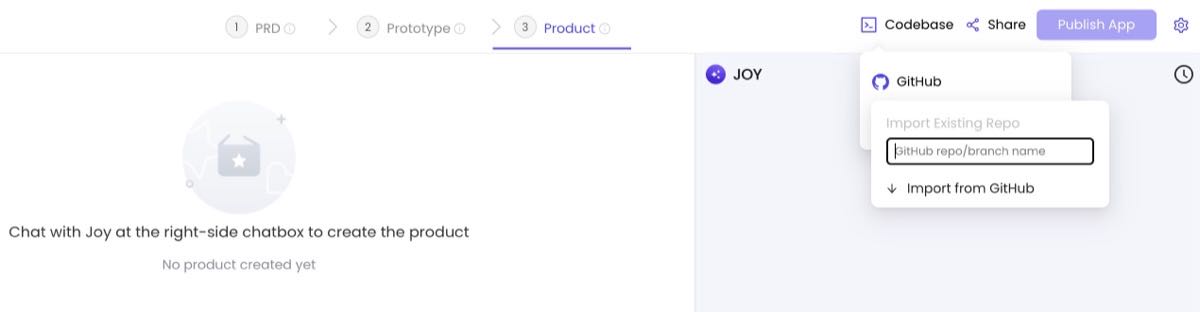
Codebase Import
Import your existing codebase from GitHub/Bitbucket repository and continue developing with Omniflow's AI-powered features:
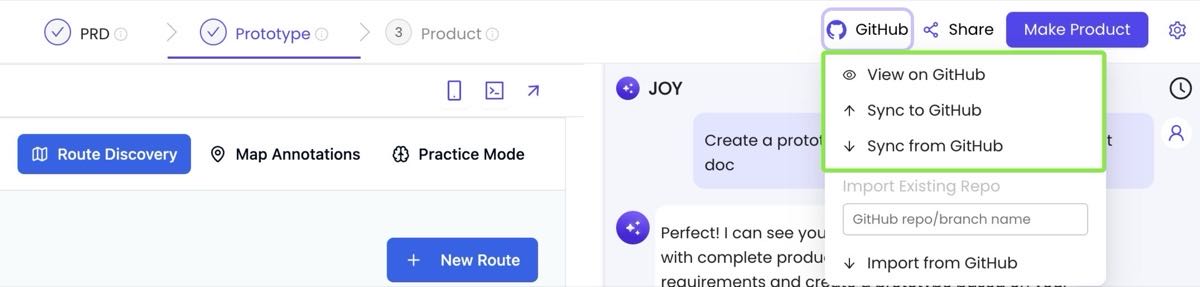
Two-Way Synchronization
Maintain perfect sync between Omniflow and your GitHub/Bitbucket repository. Changes made in either platform are automatically synchronized:
App Version Control
Omniflow provides built-in version control for your project documents, allowing you to track changes and revert to previous versions when needed.
Revert to Previous Version
Easily revert your project to any previous version with a single click. This feature helps you recover from unwanted changes or experiment with different approaches: