OmniflowDocs & Guides
Connectors
Connect your application with external services and APIs seamlessly. Build powerful integrations with popular platforms and services using our connector framework.
Connector Features
Our platform provides powerful connector capabilities:
- Pre-built Connectors: Access a library of pre-built connectors for popular services like databases, APIs, cloud services, and more.
- Custom Connectors: Build your own custom connectors to integrate with any external service or API that your application needs.
- Easy Configuration: Configure connectors with simple settings and credentials, making integration setup quick and straightforward.
Getting Started with Connectors
Set up and manage connectors for your application:
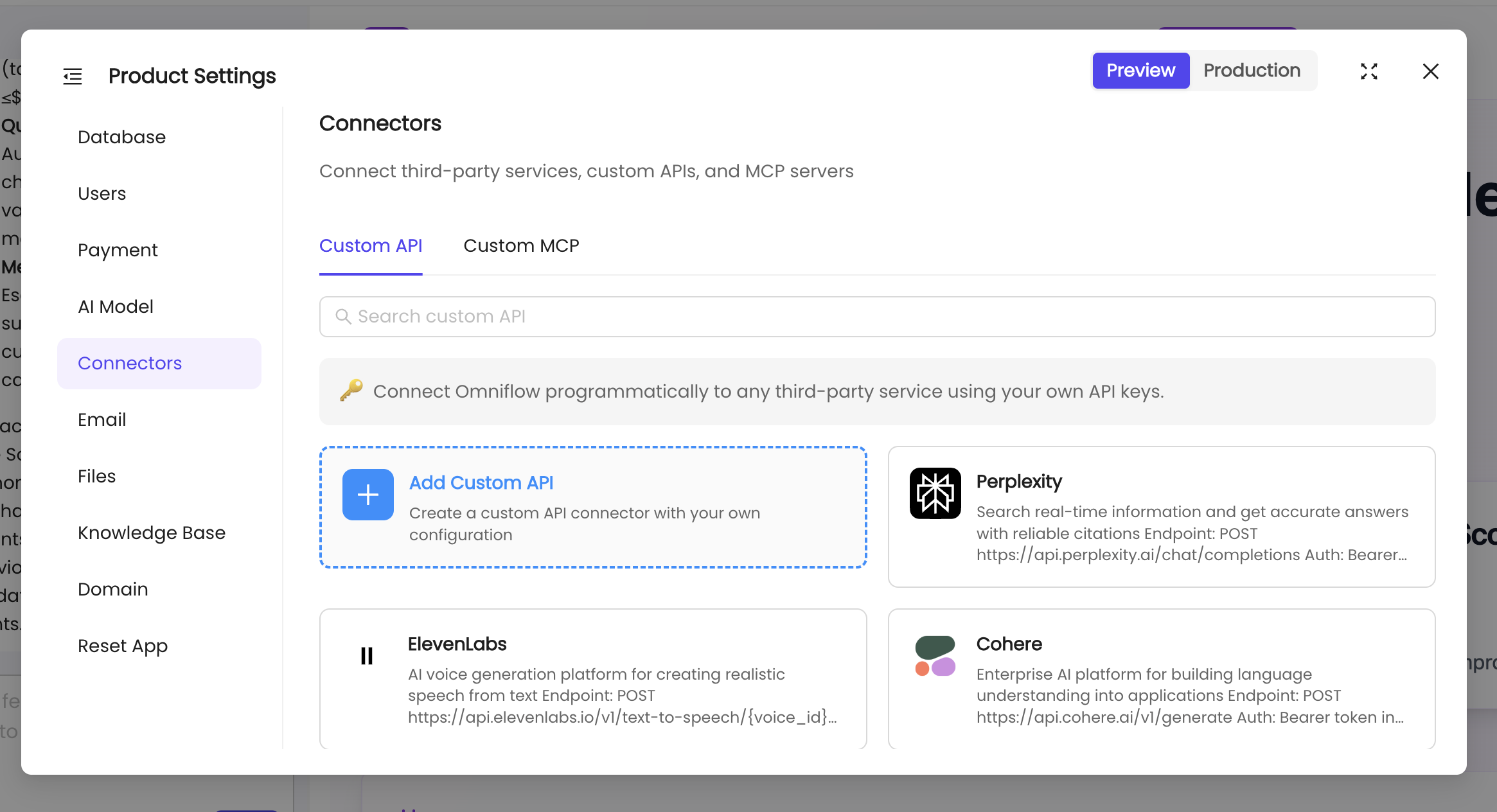
To set up connectors:
- Navigate to your Product workspace.
- Click on the Connectors section in the navigation menu.
- Browse available connectors or create a custom connector for your specific needs.
- Configure connection settings, authentication credentials, and test the connection.
- Deploy your changes to make the connectors available in your application.