OmniflowDocs & Guides
Build AI Native App
Leverage AI to enhance your project with intelligent assistance, automation. It is never that easy to build an AI Native App, but Omniflow makes it easy.
AI-Powered Features
Our platform integrates advanced AI integration:
- Integrate with any AI model: Easily integrate with multiple external models by using prompt only.
- Default API key: Omniflow provides default API key for you to use these AI models, you don't need to worry about the complexity of API key setting.
Getting Started with AI
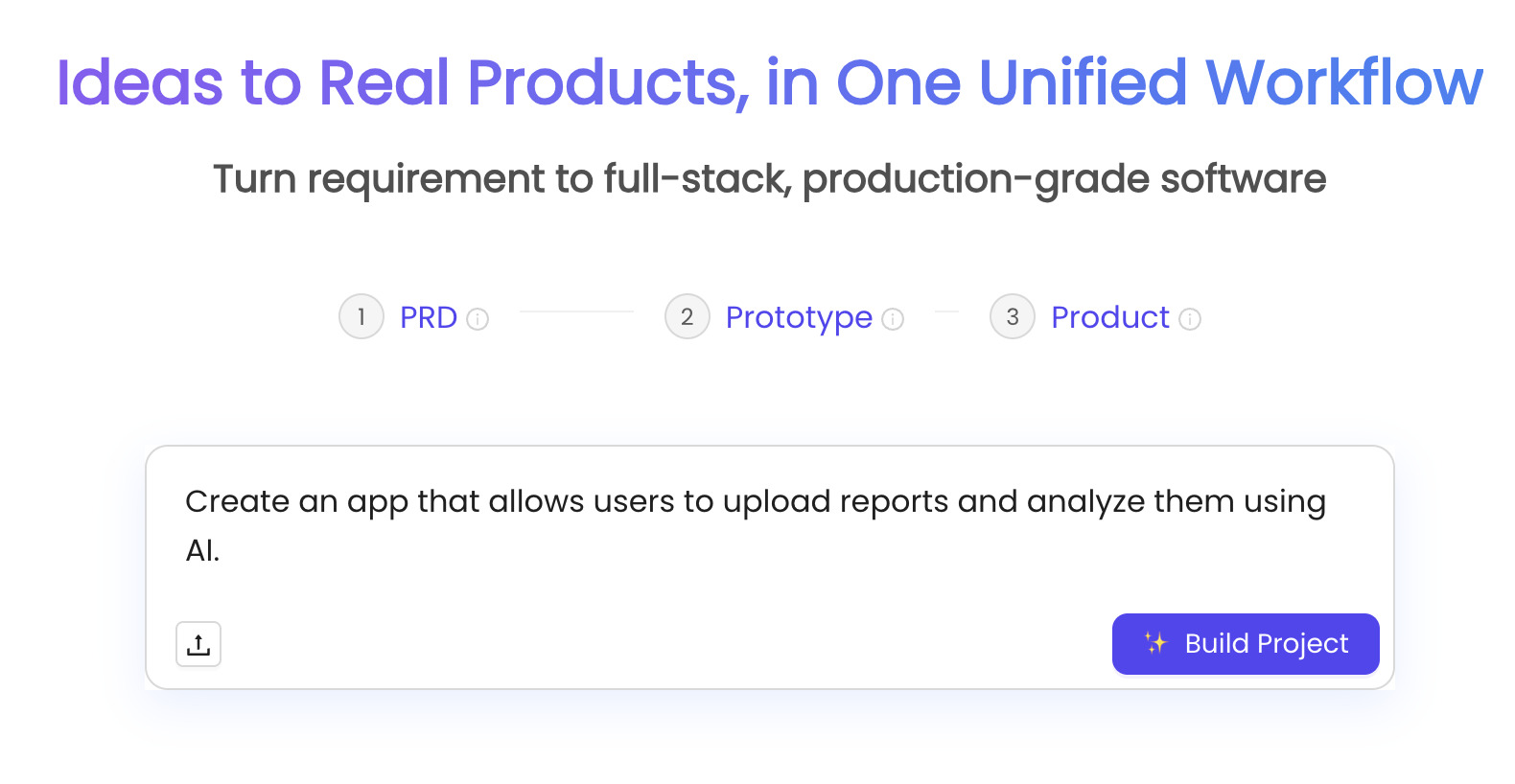
Generate an AI Native App:
To switch AI models in your product:
- Navigate to your Product workspace.
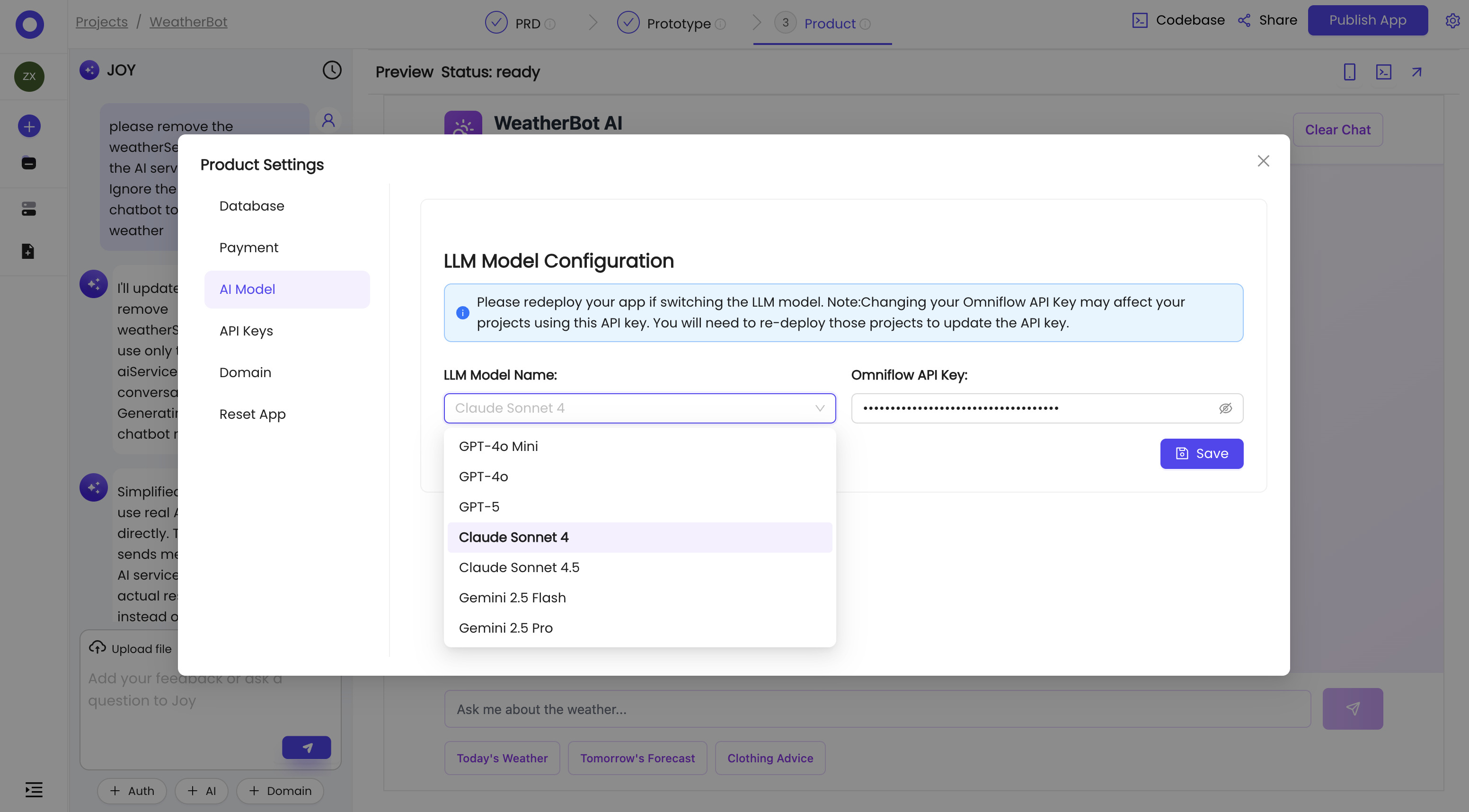
- Click the gear icon on the top right corner, select AI Model tab. You can select the AI model you want to use. Your Product uses GPT-4o Mini by default.
- After selecting the AI model, re-deploy the project by following the hint on the page.