Database Configuration
Configure and manage your database connections and schemas in Omniflow.
Connection Setup
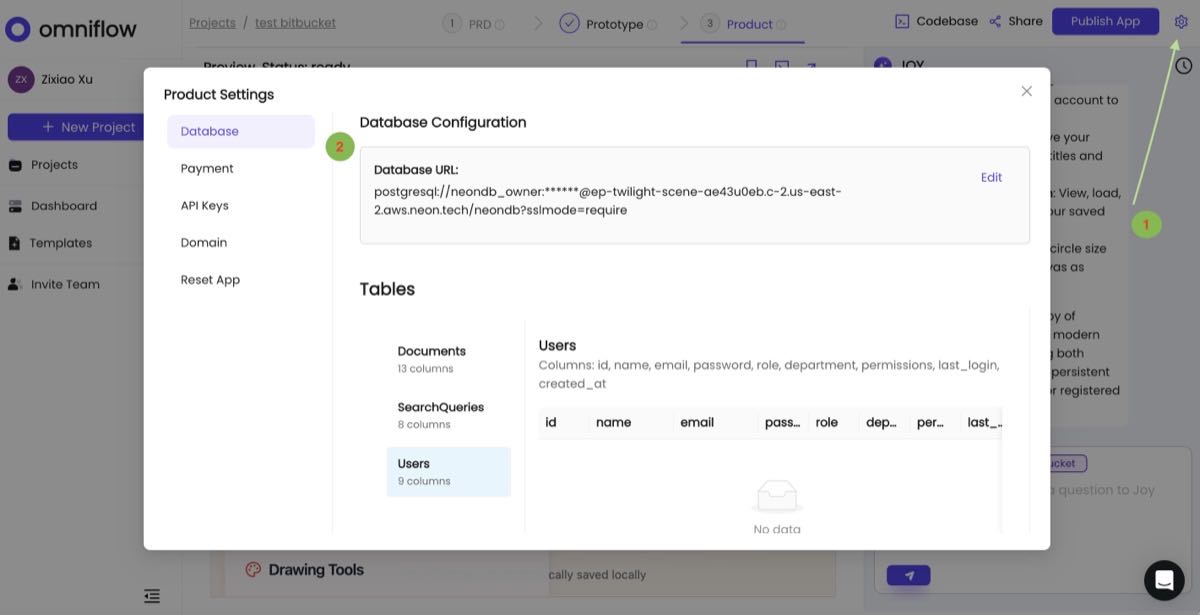
Omniflow will create a database instance for you automatically when you create a fullstack product. To use your own database, click the gear icon to set up your owned Database URL.
Schema Management
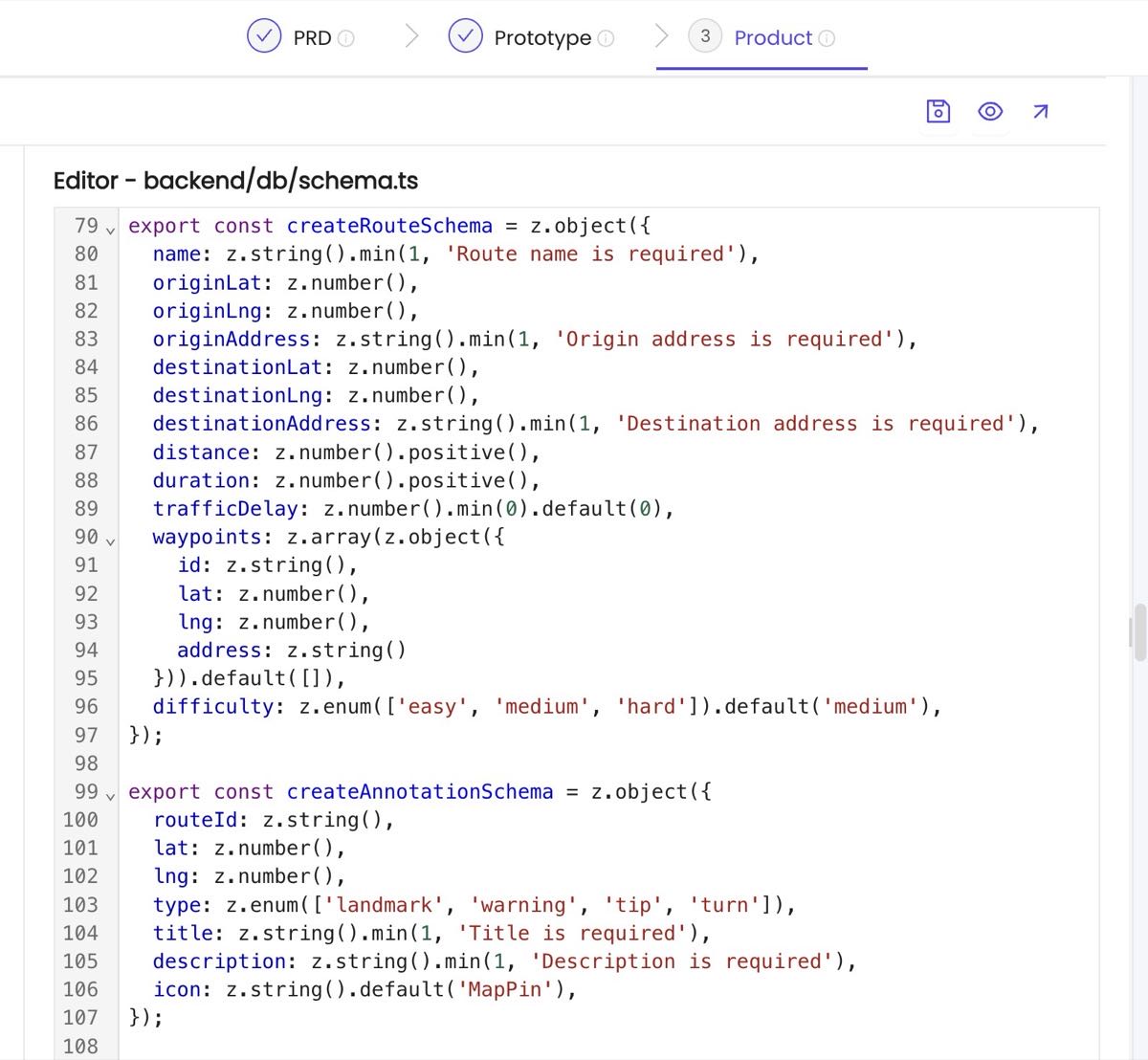
Omniflow will generate your database schema based on your PRD and you can check it out in backend/db/schema.ts file. No need to worry about the design of database schema.