Preview and Production Environment Separation
Separate your preview and production environments to safely test changes before deploying to production.
Understanding Environments
Omniflow provides two distinct environments for your application:
- Preview Environment: A safe testing environment where you can deploy and test changes without affecting your production application.
- Production Environment: Your live application that serves real users and handles actual data.
Setting Up Environment Separation
Configure your environments to ensure proper separation:
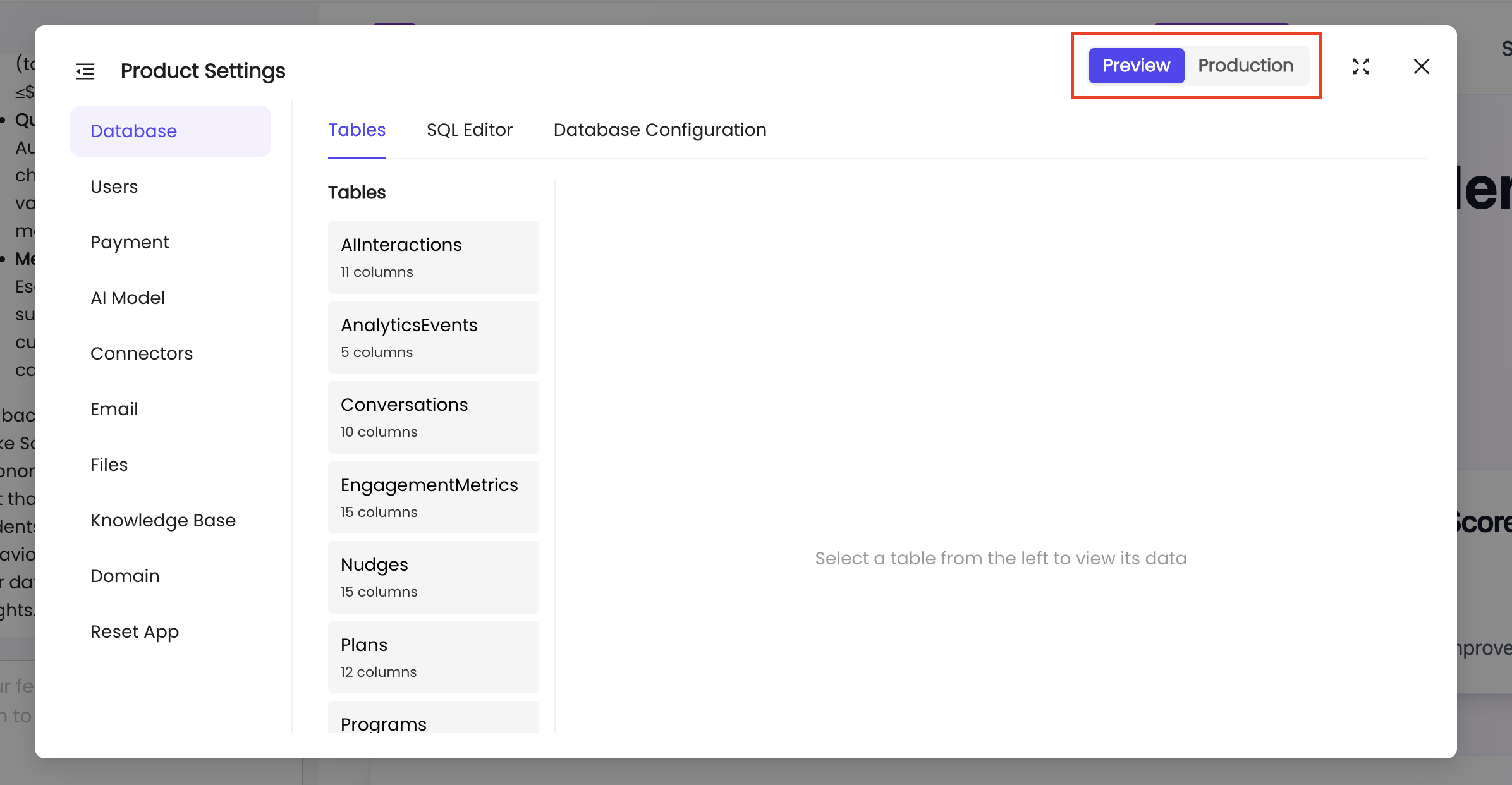
Deploying to Preview
When you make changes to your application, you can deploy them to the preview environment first:
- Make your changes in the Product workspace.
- Click on the Deploy button and select "Deploy to Preview".
- Test your changes in the preview environment to ensure everything works correctly.
- Once verified, deploy to production when ready.
Deploying to Production
After testing in preview, deploy your changes to production:
Production deployments are permanent and will affect your live application. Always test thoroughly in preview first.