
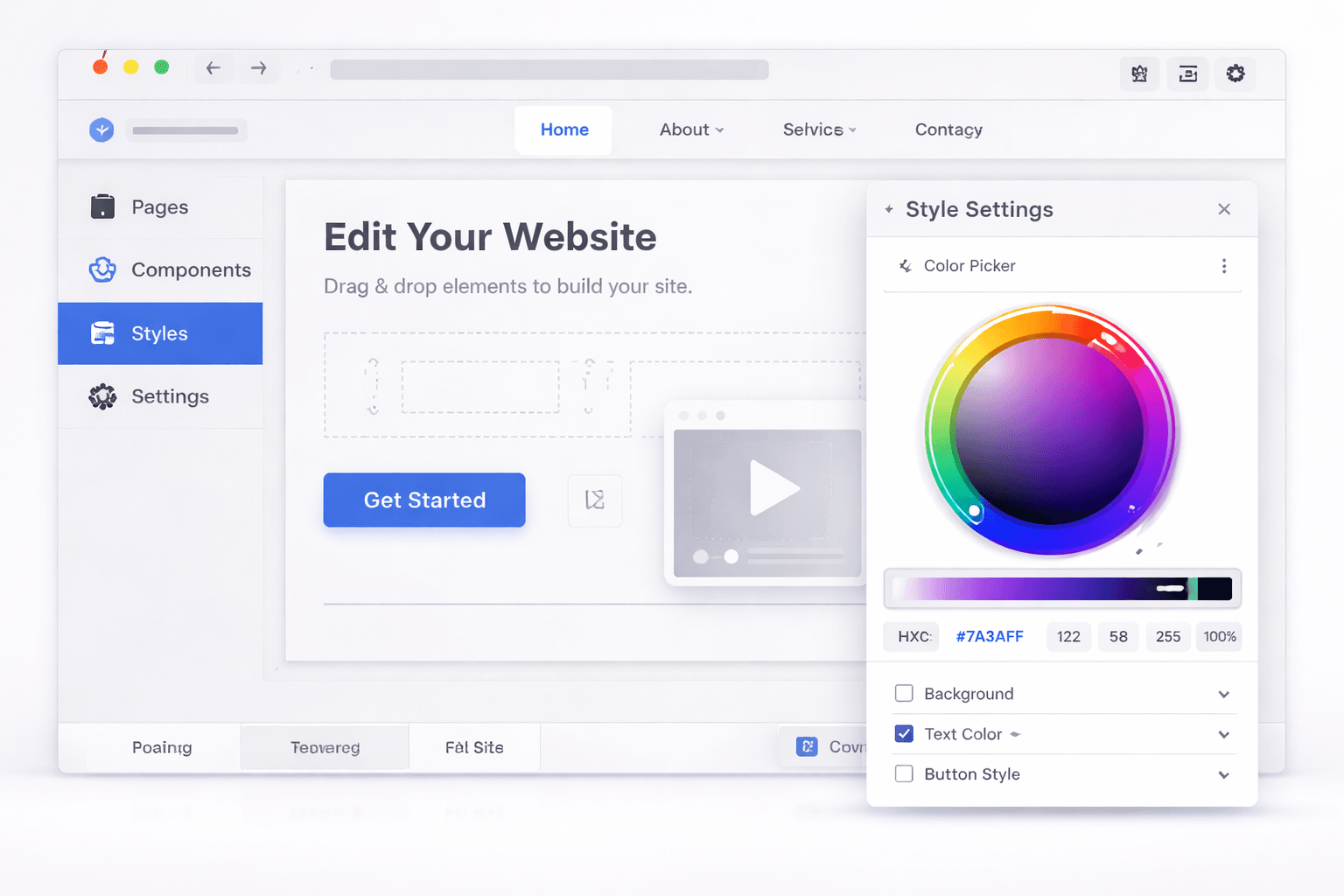
 Making small visual changes to a web app shouldn’t feel like a development task. But traditionally, it has. Need to update a headline? Change a button color? Adjust spacing on a component?
For most builders, that means digging into HTML files, tweaking CSS, testing changes, and hoping nothing breaks. Even experienced developers know how easy it is for a “quick edit” to turn into an hour-long fix, or worse, introduce bugs into production.
This is exactly the problem Omniflow set out to solve. With the release of our new UI Editor, Omniflow introduces a faster, simpler way to make design changes, bringing the power of a traditional WYSIWYG HTML editor into a modern AI-driven development workflow.
The Problem: Why UI Edits Have Always Been Friction-Heavy
Traditional web editing workflows were never designed for speed. Even the simplest updates often require:
Navigating through HTML code or component files
Understanding CSS rules and dependencies
Testing across multiple screen sizes
Avoiding unintended layout or styling bugs
For non-technical users, this creates a steep barrier. For developers, it creates unnecessary overhead.
And even with modern tools like rich text editors or basic website builders, most solutions fall short when working with real applications. They either lack flexibility or require switching between visual and code-based environments.
This often results in slow iteration, a higher risk of errors, and bottlenecks between design and development. In a world where speed and iteration matter more than ever, that friction becomes a serious limitation.
Introducing UI Editor: A Modern Take on WYSIWYG HTML Editing
Omniflow’s UI Editor is designed to eliminate that friction completely. Think of it as a modern WYSIWYG HTML editor, one that's built for real web applications, not just static web pages. Instead of writing code to make changes, you can simply:
Click directly on app blocks
Edit text instantly
Adjust colors and typography visually
Make updates in real time
No HTML coding. No CSS debugging. No guesswork. Just clean, intuitive visual editing.
👉 Start using Omniflow’s UI Editor today and experience the fastest, easiest way to edit your app-no code required.
How to Use UI Editor (Step-by-Step) -
Getting started with UI Editor is simple and intuitive. Here’s how it works:
1. Open Your Project
Navigate to your Omniflow dashboard and open your current project.
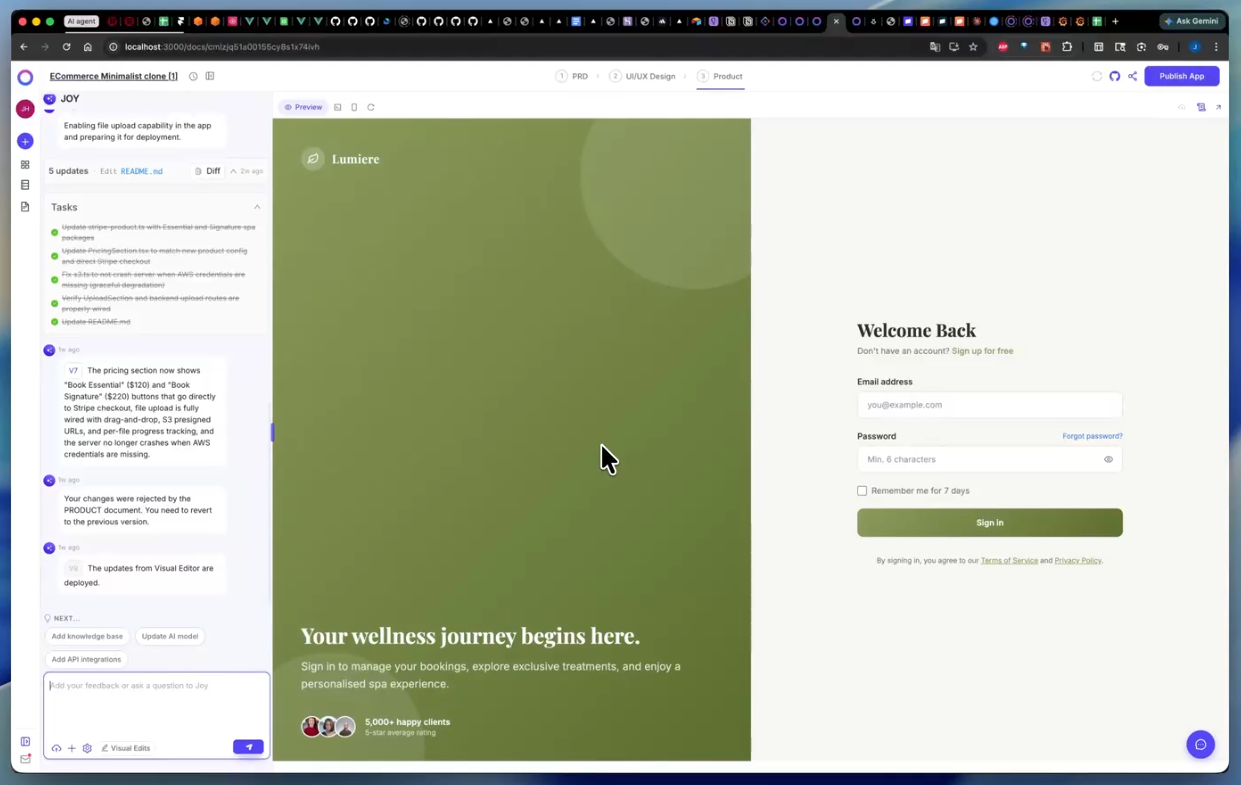 2. Launch UI Edits
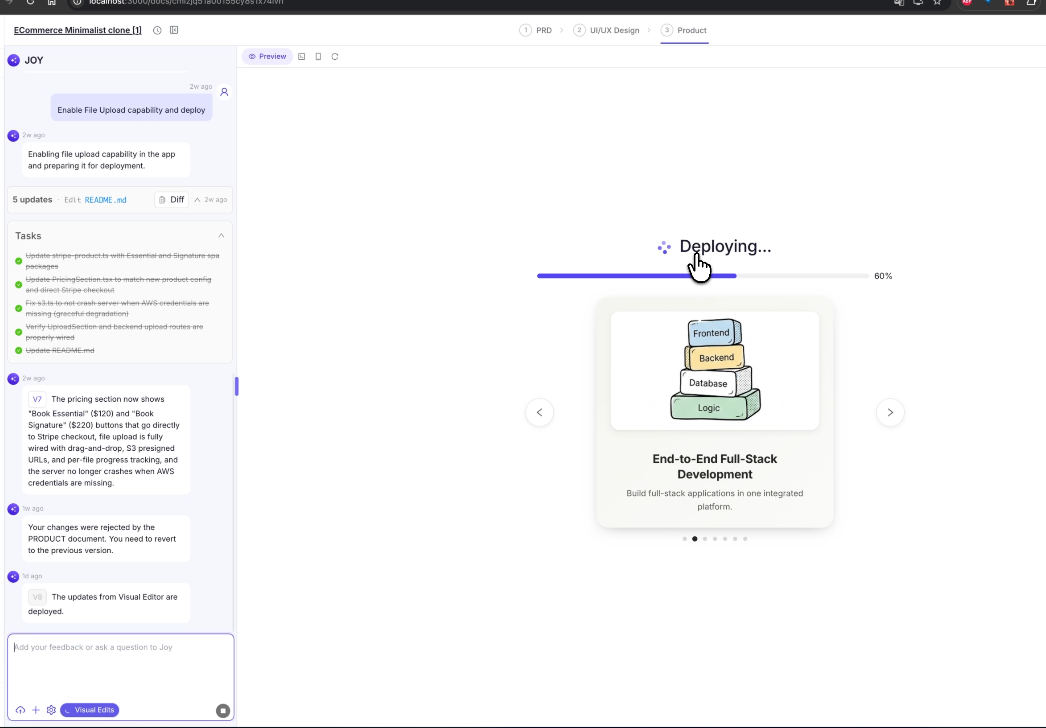
Click the “UI Edits” button located at the bottom-left of the screen, just below the text input prompter.
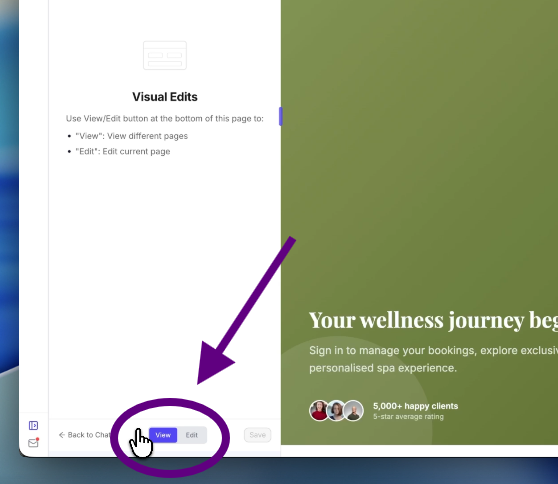
 3. Toggle Between View and Edit Mode
Switch seamlessly between viewing your app and editing it in real time.
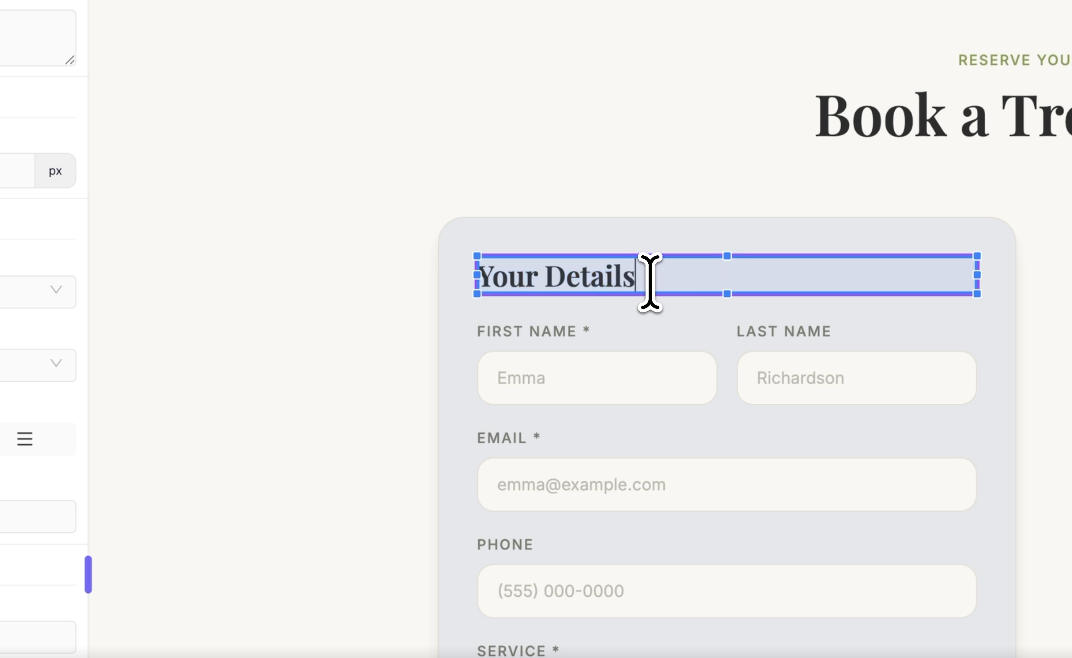
 4. Click and Edit
Select any block or text element you want to modify. Update text content. Change colors. Adjust typography. And the best part is that everything happens visually, no code required.
 5. Save and Deploy
Preview your changes, save them, and deploy instantly. That’s it. No complex workflows. No technical barriers. Just fast, intuitive editing.
 Why UI Editor Is the Best WYSIWYG HTML Editor for Modern Builders
There are plenty of WYSIWYG editors out there for creating web pages, loaded with advanced features and high-tech visual studio code integrations. But most were built for a different era of web development.
Today, no-code and low-code app builders are more popular than ever. Founders, PMs, and products teams no longer need to deal with code nearly as much, which is exactly why we designed this simple wysiwyg editor feature in the first place.
Omniflow’s UI Editor stands out because it’s designed for the speed, scalability, and real-world workflows that are being used by modern web development. Here's a quick look at what UI Editor has to offer:
Faster Edits, Instant Feedback
Instead of editing HTML files and refreshing pages, changes happen instantly. Click → edit → preview → done. It's really that easy. This dramatically reduces iteration time and allows teams to move faster without compromising quality.
No Code Required
One of the biggest advantages of a true WYSIWYG HTML editor is eliminating the need for coding knowledge. And UI Editor delivers on that promise because you don’t need to write HTML code, adjust CSS manually or debug potential layout issues. This makes building with Omniflow even more accessible to non-technical founders, designers, product managers, and all sorts of developers who want to move faster.
 Reduced Risk of Bugs
Manual edits in HTML files often introduce unintended side effects. But with UI Editor, changes are controlled and structured, layout integrity is preserved, and most important, you avoid breaking components accidentally. This means fewer bugs and more confidence when deploying updates.
Seamless Deployment Across Products
One of the biggest hidden costs of traditional editing is deployment. With UI Editor, changes can be reviewed instantly, saved in seconds, deployed across your product without friction. This is especially powerful for teams managing multiple pages or features.
Built for Modern AI Development Workflows
The best part is that UI Editor doesn’t exist in isolation. It’s part of a broader shift toward faster, AI-powered development. If you’re exploring how AI is transforming the way apps are built, these resources provide deeper context:
As AI continues to accelerate development cycles, tools like UI Editor become essential for keeping up.
UI Visual Editing Is Becoming the New Standard - Extensive Customization Without Limits
The demand for faster development cycles isn’t slowing down. According to recent industry data, AI and automation are rapidly reshaping how software is built and maintained. If you’re interested in the broader trends, check out:
As these trends continue, the tools that succeed will be the ones that reduce friction, eliminate unnecessary complexity, empower more people to build and iterate. And that’s exactly where UI Editor fits in.
Final Thoughts - A Simple Solution For Modern Web Development
UI editing used to be limited to simple website builders and basic rich text editors. Now, it’s evolving into something much more powerful.
Omniflow’s UI Editor brings the best of a WYSIWYG HTML editor into a modern development environment, by combining speed, simplicity, and scalability all into one tool.
Whether you’re a developer looking to move faster or a non-technical builder who wants full control over your app’s design, UI Editor removes the barriers that used to slow you down.
Try UI Editor Free Today & Other Comprehensive Features
If you’re tired of wasting time on small design changes, or dealing with the risks of manual code edits, it’s time to upgrade your workflow.
👉 Start using Omniflow’s UI Editor today and experience the fastest, easiest way to edit your app—no code required.
Click, edit, deploy. It’s that simple.