Visual Editor for UI Design: Click, Edit, and Deploy With Omniflow
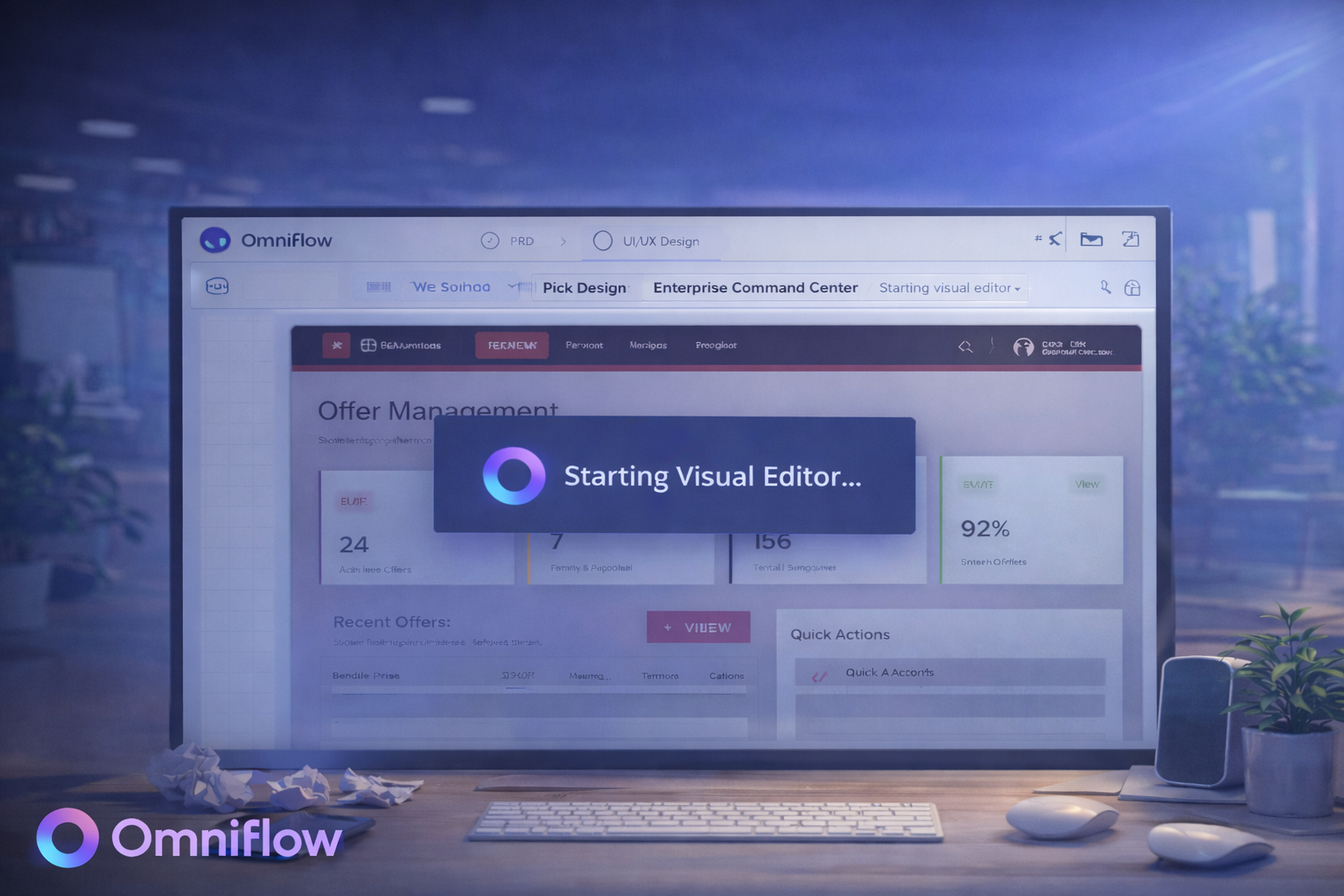 For most product teams, small UI changes rarely stay small.
What starts as “make it darker” quickly turns into searching through components, tweaking props, adjusting stylesheets, and rebuilding layouts. A simple spacing fix becomes a half-hour task. A button color change requires multiple file edits. And suddenly, something that should take seconds eats up an entire sprint.
It’s one of the biggest reasons product velocity breaks down as teams scale. It's also the exact problem Omniflow’s new Visual Editor is designed to solve.
With its latest release, Omniflow introduces a true visual editor for UI design, one that lets teams click, edit, and deploy directly from a live preview. This means team can move forward faster thanks to real-time editing, live previews, and seamless PRD syncing, and simply making UI updates faster and more intuitively.
No more digging through files. No more vague feedback loops. No more "move it 2px left”. With Visual Editor, you just click, edit, and deploy your changes!
Introducing Omniflow’s Visual Editor
With the new Visual Editor, Omniflow turns your product preview into a live canvas.
Instead of editing UI indirectly, teams can now interact with their product exactly as users see it, using an interactive drag-and-drop editor that makes on-brand customization easy.
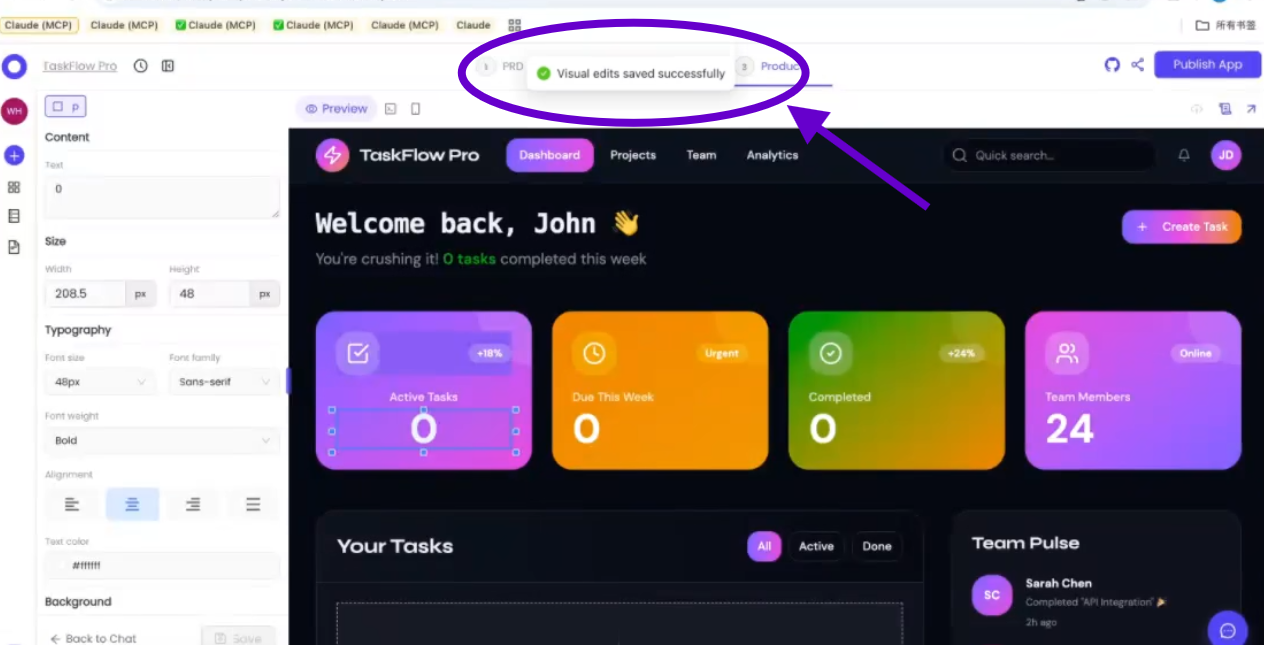
Click any design element. Edit text, colors, spacing, and alignment. Hit save. And your code syncs automatically.
The editor streamlines creating new UI elements or layouts, and users can even start from templates to accelerate the design process.
This approach fits perfectly within Omniflow’s broader vision around how generative AI is reshaping the product lifecycle, bringing design, development, and iteration into a single connected workflow that helps teams ship faster and better than ever before.
Here's a closer look at just some of the benefits you get with Omniflow's Visual Editor.
Edit UI Without Touching Code
One of the most powerful aspects of Omniflow’s Visual Editor is how it eliminates unnecessary HTML updates or coding for visual changes.
Want to move a button? Click it. Need to adjust spacing? Drag it. Fix a headline or background? Edit it in place, and modify typography to achieve the desired look or branding.
You can also adjust style settings such as color schemes and layouts, making it easy to personalize the appearance of your project. The visual editor helps ensure that design elements match the intended theme or brand guidelines for a cohesive result.
You’re no longer translating design intent into technical instructions. The interface becomes the editing environment.
This pairs naturally with workflows like how to choose UI before you build, where design validation happens before major engineering investment.
 Intelligent Editing for Dynamic Interfaces
Modern products rely heavily on dynamic components, loops, and reusable structures.
Editing these elements has traditionally been risky. One wrong change can affect dozens of screens.
Omniflow’s Visual Editor understands this complexity. It allows users to focus on individual elements for detailed adjustments, even within looped structures.
The editor handles looped elements by enabling precise editing inside each iteration of the loop, so changes apply only where intended.
For example: If you click the third item in a list, only that item changes. Not the entire component. Not every instance. Just the element you selected.
This level of precision dramatically reduces fear around UI iteration and makes visual editing safe even in web applications that use more complex logic.
Faster Iteration With Live Code Sync
Visual editing only works if it stays in sync with production code. And that's something Omniflow understands intuitively.
Our visual editor doesn’t create disconnected visual layers. Every change is reflected directly in your underlying system, helping to optimize both the design and development process for maximum efficiency.
That’s why we've made it so it integrates seamlessly with and keeps your living PRD in-sync, where product documentation, design specs, and development evolve together.
Ultimately, the result is faster iteration without sacrificing reliability.
Less Back-and-Forth. More Building.
One of the biggest benefits of visual editing is what it removes: endless feedback loops.
With Omniflow, feedback becomes action.
The visual editor enables teams to work together more efficiently, allowing designers, developers, and managers to connect seamlessly within the workflow.
This ensures everyone can contribute and stay aligned, reducing miscommunication and delays. Teams can also design with brands or target audiences in mind, making it easier to create products that resonate and engage effectively.
It's the same philosophy that drives Omniflow’s approach to internal systems, including how to build an internal knowledge base that keeps teams aligned as products grow.
 A Better Alternative for AI-Driven Products
For teams building with AI, visual iteration speed matters even more. Products evolve quickly. Interfaces change often. And user feedback arrives constantly.
That’s why many teams see Omniflow as a strong Base44 alternative, especially when UI flexibility and iteration speed become critical.
Omniflow is a comprehensive solution for fast UI iteration, enabling teams to efficiently build and customize user experiences.
And for builders exploring emerging tools like Clawbot, Omniflow provides a more complete, production-ready workflow.
The power of our visual editor allows users to handle complex workflows with ease, while our platform's robust features enable the creation of professional-grade UI interfaces that can help establish a credible brand image.
Build With AI. Fine-Tune Visually. Deploy Confidently.
With Omniflow, you new workflow is simple: Build → Fine-tune → Deploy
No more translating design feedback into tickets. No more fragile CSS tweaks. No more delayed releases.
Just clear, fast, visual iteration that brings your designs to life.
Experience the joy of rapid, hands-on editing, and the magic of seeing your changes instantly reflected in your product.
Ready to try it out for yourself? Sign up today and try Omniflow for FREE!
Frequently Asked Questions
What is a visual editor for UI design?
A visual editor allows users to modify interface elements directly in a live preview without manually editing code data.
Can I edit UI without writing CSS or frontend code?
Yes. Omniflow’s Visual Editor lets you change layout, spacing, and styling visually. You can also chat directly with our AI and use natural language prompts to make changes to your UI automatically, without writing CSS or frontend javascript code.
Does the Visual Editor sync with production code?
Yes. All changes are automatically synced to your underlying system. Omniflow enables living PRDs that remain in-sync at all times. Users can access PRD version history to ensure teams stay aligned, no matter what changes later on down the line.
Can I edit dynamic components safely?
Yes. The editor understands loops and reusable elements, allowing precise edits. So when you click to edit the third or fourth item in a list, changes will only be applied where intended.
Is Omniflow's visual editor useful for non-designers?
Absolutely. Founders, product managers, and devs can all use it effectively. Omniflow is designed to make product development easier, faster, and better than many other similar platforms. Learn just how much better your workflows can be by reading Lovable vs. Omniflow.