A Product Requirement Document That Evolves With Your Product: How To Auto-Sync Changes with Omniflow
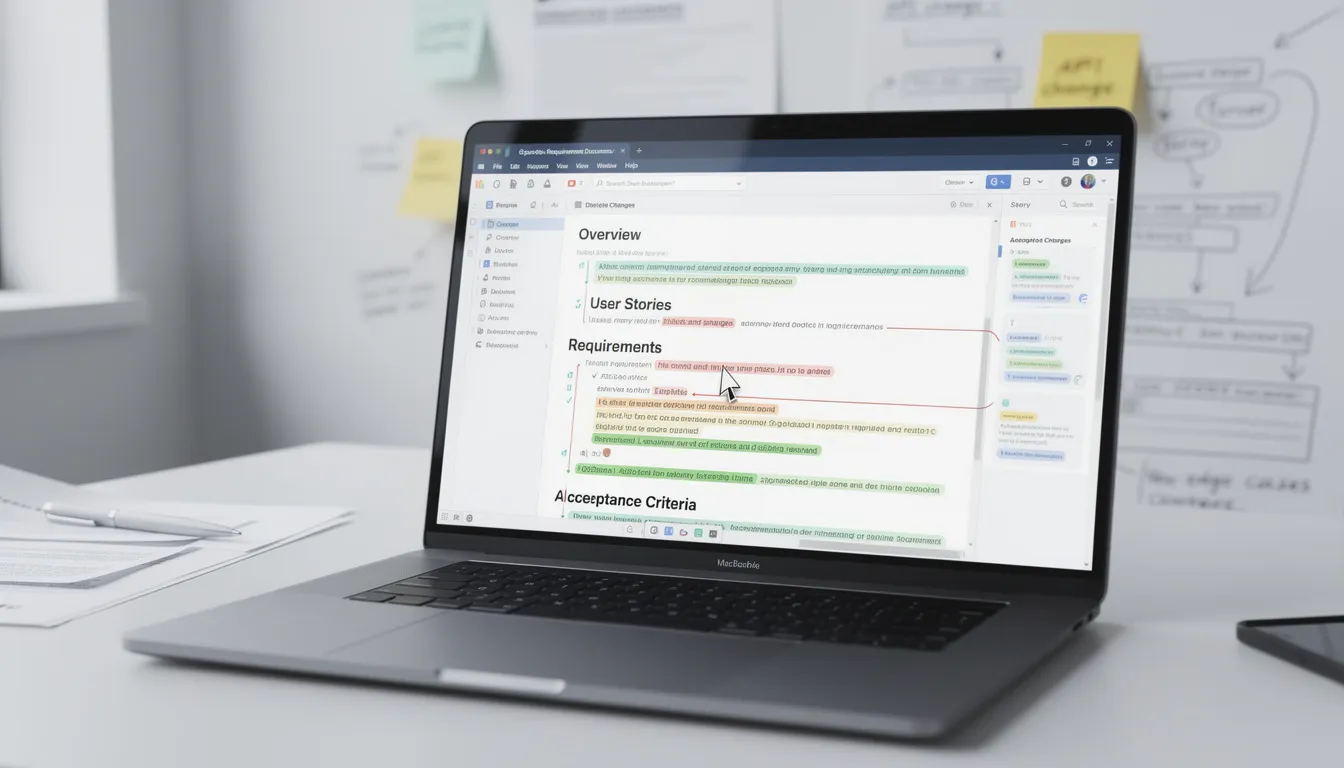 As a Product Manager, your job isn’t to define a product once — it’s to continuously refine it.
Requirements change. Assumptions get challenged. Designs evolve. Engineering uncovers constraints. Stakeholders weigh in. Users behave in unexpected ways.
And yet, one artifact is expected to remain accurate through all of this change: your product requirements document or PRD, which is a comprehensive document created to capture all the requirements, business objectives, and user needs in detail
In reality, PRDs often fall out of sync the moment real work begins.
While a well-structured PRD is created to serve as a single source of truth for product requirements, prototypes often evolve faster than documents. Product changes happen mid-sprint. Updates go live in Figma comments, Jira tickets, or Slack threads — but not in the PRD itself.
That’s exactly the problem Omniflow’s newest feature is designed to solve!
By keeping the requirements document up to date with all relevant details, Omniflow helps teams maintain alignment and shared understanding throughout the product development process.
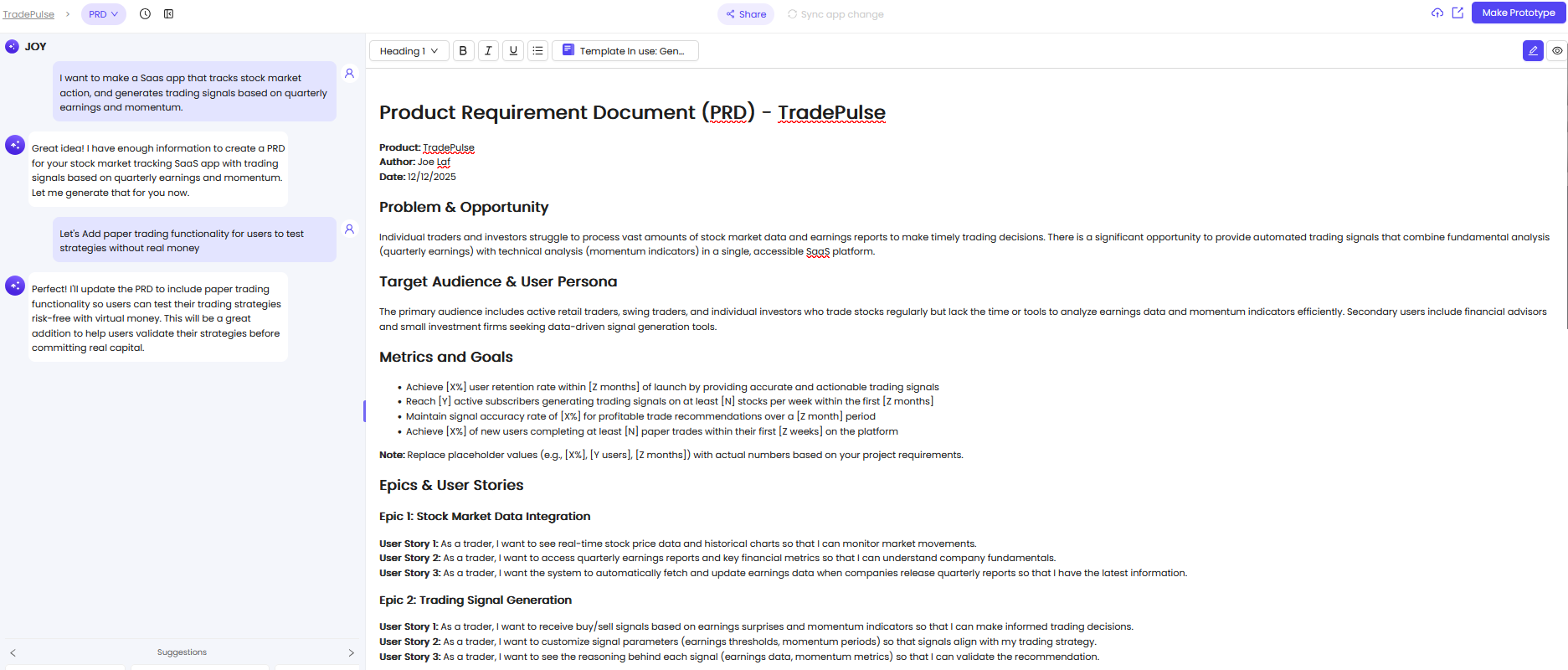 Introducing Auto-Sync: Keeping PRDs Aligned With the Product Development Process
Omniflow’s new auto-sync feature automatically updates your PRD when changes are made at the prototype or product stage.
Instead of expecting PMs to manually reconcile design changes, implementation details, and evolving requirements, Omniflow does all the heavy lifting for you by creating a new PRD version based on what actually changed.
This means:
When a prototype is updated, the PRD reflects it
When product changes are made, the PRD evolves alongside them
When requirements shift, that shift is documented automatically
The auto-sync feature ensures all components of the PRD, including technical details, are always current
Rather than treating the PRD as a static document written upfront, Omniflow turns it into a living system of record, which fundamentally changes how teams manage product documentation throughout the entire development process.
 What This Looks Like in Practice for the Development Team
Let’s say you ship an early prototype and collect feedback:
A flow is simplified
A feature scope is reduced
Labels or interactions are adjusted
A requirement is clarified or removed
This is a typical scenario in the product development process, where the project evolves based on feedback and iteration.
Now, because the engineering team relies on up-to-date requirements to ensure accurate implementation, you would traditionally need to:
Remember to update the PRD
Track what changed and why
Align stakeholders again
Ensure engineering is referencing the right version
With Omniflow’s auto-sync feature:
Changes made to the prototype or product trigger the creation of a new PRD version for the project, each time!
Each new PRD version is created automatically, providing a clear example of how changes are tracked throughout the project
The updated PRD captures the current state of the product, ensuring the engineering team always has access to the latest requirements
You preserve the full history of how the product evolved
This removes one of the biggest sources of PM overhead: manual documentation upkeep.
 No Product Is Built Right the First Time — And That’s the Point
Every experienced PM knows this: the first version is never the final version.
Products improve through iteration. Feedback reshapes scope. Constraints force tradeoffs. Insights emerge only after something is built and tested.
Each iteration helps refine the minimum viable product, prioritize must haves, and identify nice to have features that can be considered if resources allow.
Because of this, change isn’t a failure — it’s progress. Omniflow’s auto-sync feature embraces this reality.
Rather than locking PMs into outdated requirements, it allows your PRD to evolve naturally alongside the product. The auto-sync feature also helps prevent scope creep and ensures that edge cases are documented and addressed as the product evolves.
Each iteration becomes part of the documented story of your product — not something you have to retroactively explain.
 How to use auto-sync to PRD with Omniflow
The best part of auto-sync to PRD is that using it is easy and intuitive.
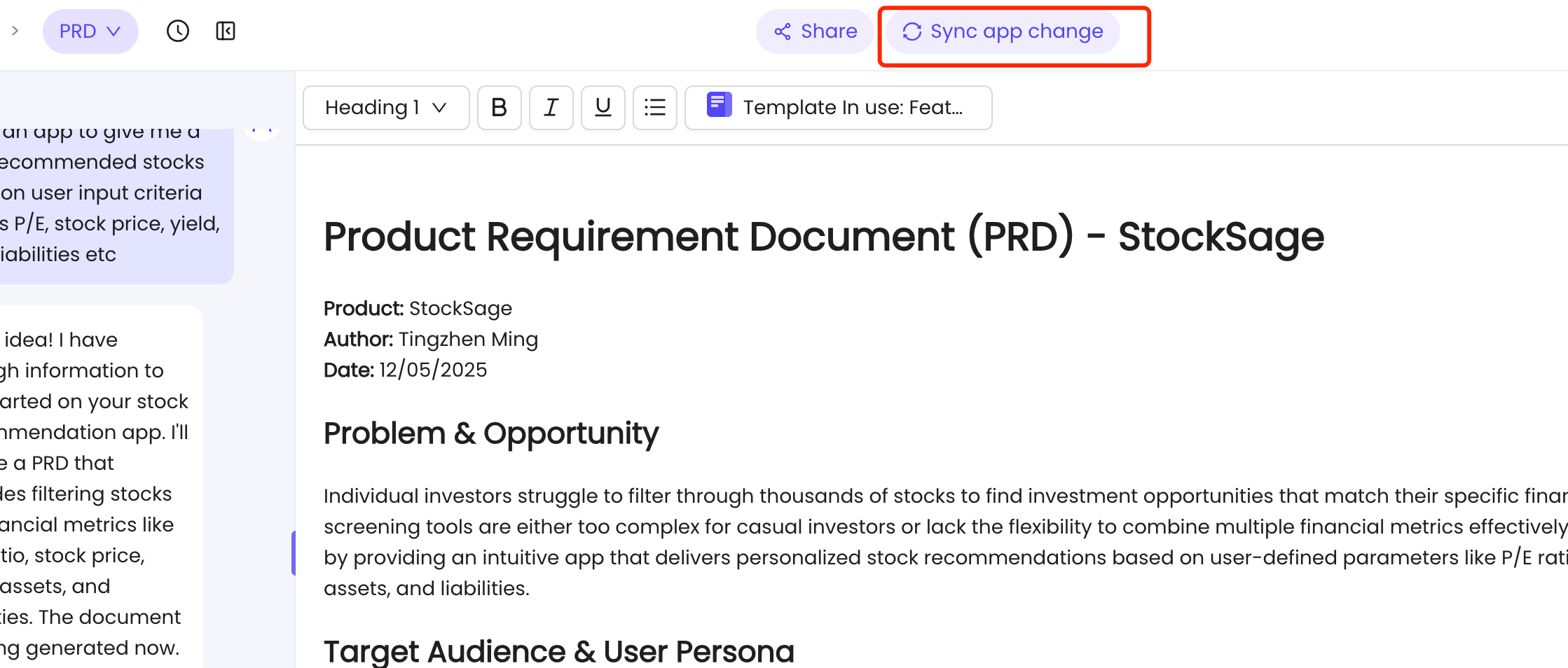
Simply make changes to your app as you normally would and then click on Sync app change at the top of your workspace. Whether you're adding new tools, features, or changing UI layouts, Omniflow's AI automatically monitors the modifications and syncs them back to your PRD as soon as they're deployed.
You can then review your updated PRD to see how your document has evolved right alongside your product.
 Better Product Decisions Start With Shared Understanding
PRDs shouldn’t be fragile documents that break the moment your product evolves. They should be resilient, adaptive, and reflective of real progress.
They should include relevant details, research, customer interviews, and market research to ensure they address the needs of target users and align with business objectives, no matter how much things change along the way.
Omniflow’s new auto-sync feature ensures that when a product changes — the PRD changes with it.
The auto-sync feature supports the product team and development by keeping functional requirements, non functional requirements, and technical requirements up to date.
With a ton of other intuitive built-in features like version history and rollback, Omniflow gives PMs the freedom to iterate without losing control.
Ready to try it out for yourself? Sign up today and try Omniflow for FREE!